Douga
A downloadable tool for Windows
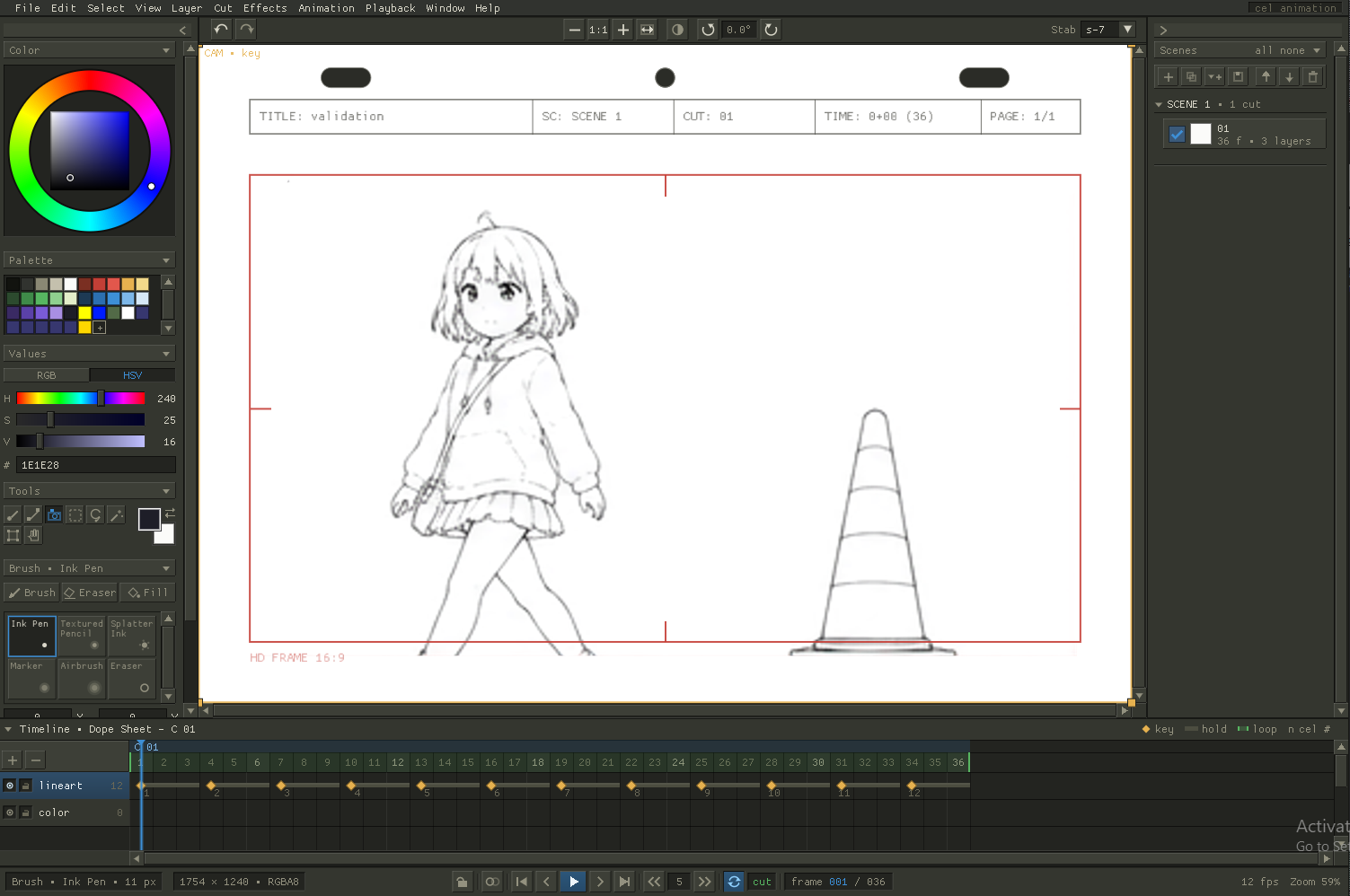
Douga is a drawing program built around a real dope sheet. A pen-first canvas, cels on ones or twos, onion skin over the top. The drawing half and the timing half of the job in one window, so you never leave for another program halfway through.
動画, douga, is the name for the inbetween drawings of a Japanese animation pipeline. Most 2D animation ends up split across two programs: one that feels good to draw in, and one that knows what a frame is. This is an attempt at one that does both.
Cels are pixels, so a stroke lands exactly where you put it and pen pressure means what you expect. Underneath is a real timeline: scenes, cuts, keys, holds, exposure, onion skin. You draw a frame, you tap forward, you draw the next one.
What's finished
BRUSH ENGINE Ink pen, textured pencil, splatter ink, marker, airbrush, eraser, and a stabilizer for the long confident lines your hand won't make. Add your own as well: brushes are plain text files, and tips and paper textures are PNGs you drop in beside them. |
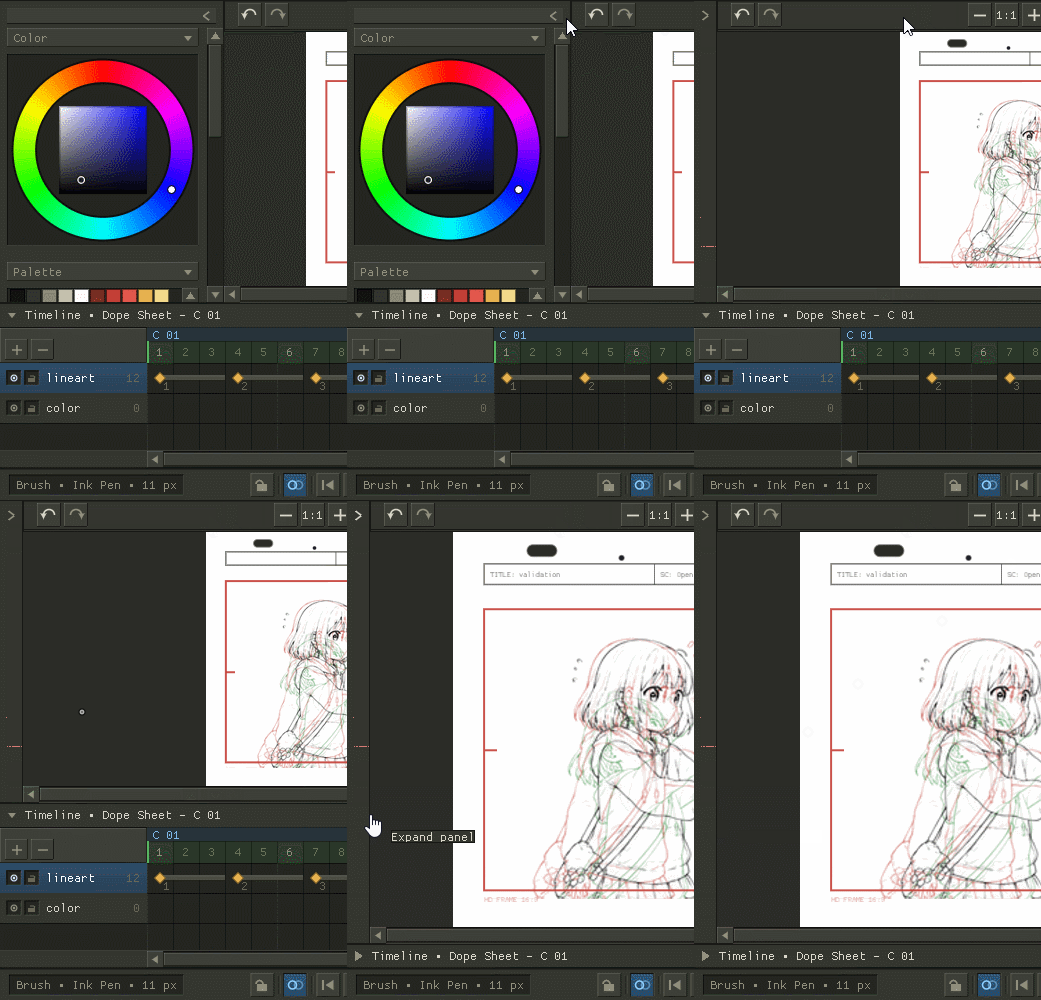
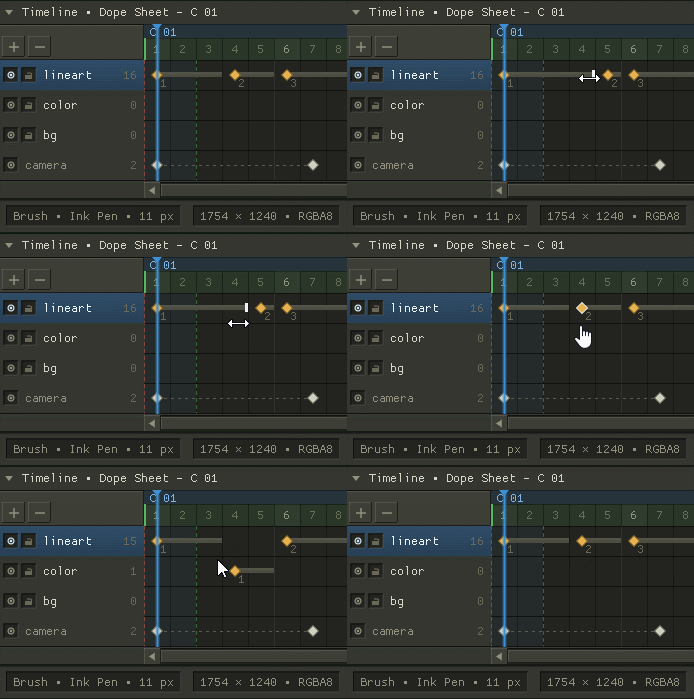
DOPE SHEET Keys, holds and loops per layer. Retime by dragging, expose on ones or twos, onion skin the frames either side in warm and cool. |
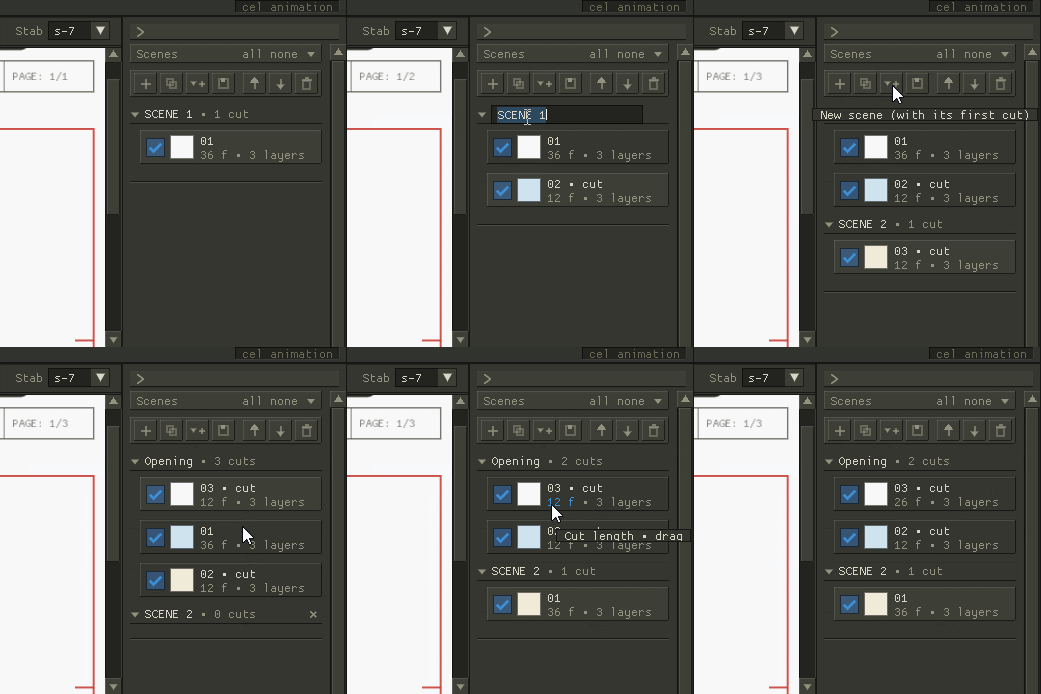
SCENES AND CUTS A project holds scenes, a scene holds cuts, a cut holds its own layers and length. Reorder them without renumbering anything by hand. |
LAYERS AND SELECTION Line, colour and background on separate layers with normal compositing. Lasso, magic wand, and a fill that respects your line work. |
UNDO THAT BEHAVES Undo steps back through structure as well as strokes. Delete a cut by accident and one press brings the cut back, not your last pencil line. |
SAVE AND EXPORT One .douga file per project. Out the other end, a PNG sequence, an animated GIF, or an MP4 if you point it at ffmpeg. |
Running it
No installer and no account. Unzip the folder anywhere you like and run douga.exe. It writes its starter brushes beside itself the first time it opens; delete the folder and it's gone.
Windows will warn you the first time. The download isn't code-signed yet, so SmartScreen shows a blue "Windows protected your PC" panel. Click More info, then Run anyway. If your antivirus is a loud one, it may want the folder excluded too. It's an unpleasant thing to ask a stranger to click through, and it's the honest state of a one-person build. A signing certificate is on the list.
RUNS ON | Windows 10 / 11, 64-bit |
GRAPHICS | Direct3D 11, anything from the last decade |
INPUT | Wacom, XP-Pen, Huion, Surface Pen; a mouse works, badly |
NEEDS | Nothing installed. ffmpeg only if you want MP4 out |
Getting ffmpeg, if you want MP4
PNG sequences and animated GIFs are built in and need nothing installed. Only MP4 needs ffmpeg, which Douga doesn't bundle. Get ffmpeg-release-essentials.zip from gyan.dev/ffmpeg/builds (linked from ffmpeg.org's download page) and unzip it; the file that matters is ffmpeg.exe, in the bin folder.
Drop that ffmpeg.exe into the Douga folder, next to douga.exe. Douga looks there first, so there is nothing else to set up. If you'd rather keep it elsewhere, open File → Export, choose Video (ffmpeg), and paste the full path into the ffmpeg path box instead.
Where it's up to
This is one person's program and it is early. It draws, it times, it saves, it exports. It's a traditional, hand-drawn tool and that's what's getting finished first; after that comes the long tail: more brush behaviour, colour-model tools, and audio scrubbing against the sheet.
If you use it for something, tell me what broke and what felt wrong to draw with. That's the fastest way for the next build to be better than this one.
Community on r/douga
Download